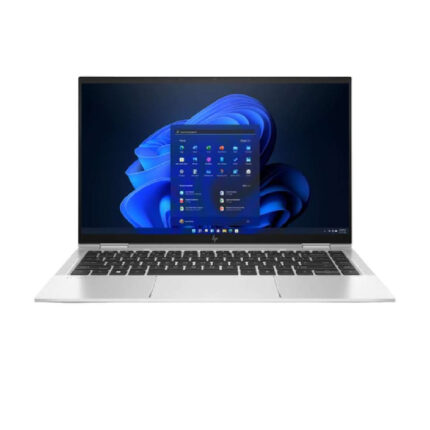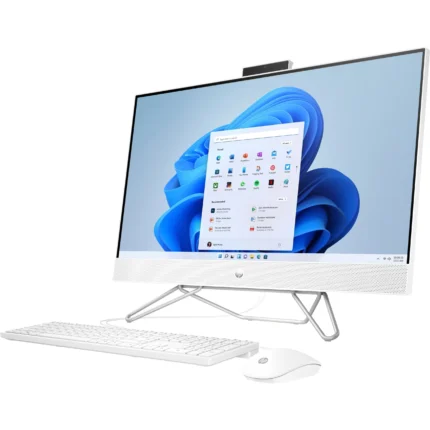


Buying a laptop can feel overwhelming. Specs, brands, prices—everything sounds important, yet not everything matters for your use. The right laptop depends on what you’ll do with it. Whether you’re working, studying, or gaming, this guide breaks it down simply so you buy smart, not stressed.
1. Start With Your Main Purpose
Before specs or brands, ask one question: What will I mostly use this laptop for?
- Work: Office tasks, emails, browsing, Zoom, design, coding
- School: Notes, research, online classes, assignments
- Gaming: High-performance games, graphics, streaming
Your purpose decides everything else.
2. Choosing a Laptop for Work
If your laptop is for office or professional use, focus on speed, comfort, and reliability.
Recommended Specs
- Processor: Intel Core i5 / AMD Ryzen 5 (or higher)
- RAM: 8GB minimum (16GB is better for multitasking)
- Storage: SSD (256GB or more)
- Screen: 14”–15.6” Full HD
- Battery: 6–10 hours
Why this matters
- SSD makes your laptop boot fast
- Enough RAM prevents freezing with multiple tabs
- Good battery helps during meetings or travel
Best for
- Office workers
- Freelancers
- Programmers
- Designers (light to mid-level)
3. Choosing a Laptop for School or College
Students need something affordable, portable, and durable.
Recommended Specs
- Processor: Intel Core i3 / Ryzen 3 (i5 if budget allows)
- RAM: 8GB
- Storage: 256GB SSD
- Screen: 13”–14” (easy to carry)
- Weight: Lightweight
Why this matters
- Smaller laptops fit backpacks easily
- SSD keeps assignments loading fast
- Long battery life handles full school days
Best for
- High school students
- College & university students
- Online learning
4. Choosing a Laptop for Gaming
Gaming laptops are power-hungry beasts 🐲. You’re paying for performance, not portability.
Recommended Specs
- Processor: Intel Core i7 / Ryzen 7
- RAM: 16GB minimum
- Graphics Card: Dedicated GPU (NVIDIA GTX / RTX series)
- Storage: 512GB SSD or SSD + HDD
- Cooling: Strong airflow system
Why this matters
- Dedicated GPU handles heavy graphics
- More RAM prevents lag
- Good cooling protects performance
Best for
- Hardcore gamers
- Streamers
- 3D designers & video editors
5. SSD vs HDD (Very Important)
If there’s one thing you should never compromise on, it’s storage type.
- SSD: Faster, silent, durable (recommended)
- HDD: Slower, cheaper, outdated
👉 Always choose SSD, even if storage space is smaller.
6. Screen Size & Display Quality
Your eyes matter.
- 13”–14”: Portable, great for students
- 15.6”: Best balance for work and gaming
- Resolution: Full HD (1920×1080) minimum
Avoid low-resolution screens—they cause eye strain.
7. Battery Life & Portability
If you move around a lot:
- Choose lightweight laptops
- Look for 6+ hours battery life
- USB-C charging is a bonus
Gamers can ignore battery life—performance comes first.
8. New vs Refurbished Laptops
Refurbished laptops can save money if bought from a trusted store.
Go refurbished if
- You want higher specs at a lower price
- Warranty is included
Go new if
- You want latest models
- You need maximum battery health
9. Budget Matters (Be Honest)
Set a clear budget and buy the best specs within it, not the fanciest brand.
Cheap laptops with weak specs = frustration later.
10. Final Buying Tips
✔ Always check RAM & SSD
✔ Match specs to your usage
✔ Avoid unknown brands
✔ Buy from a trusted computer shop
✔ Ask about warranty & support
Conclusion
The best laptop isn’t the most expensive—it’s the one that fits your needs.
Work, school, or gaming—once you know your purpose, choosing becomes easy.